Pilot’s Seat
Cockpit instruments in your passenger seat.
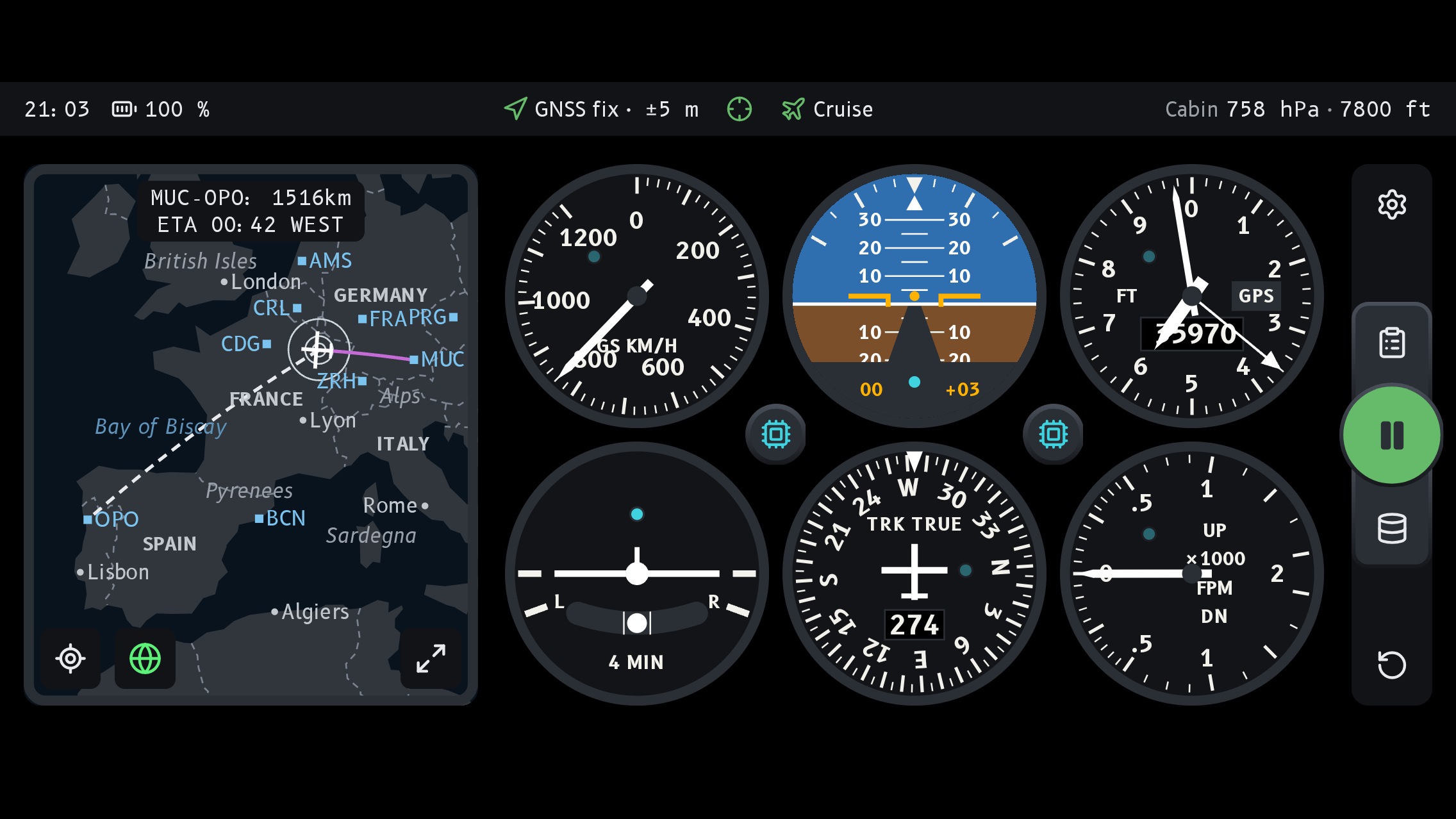
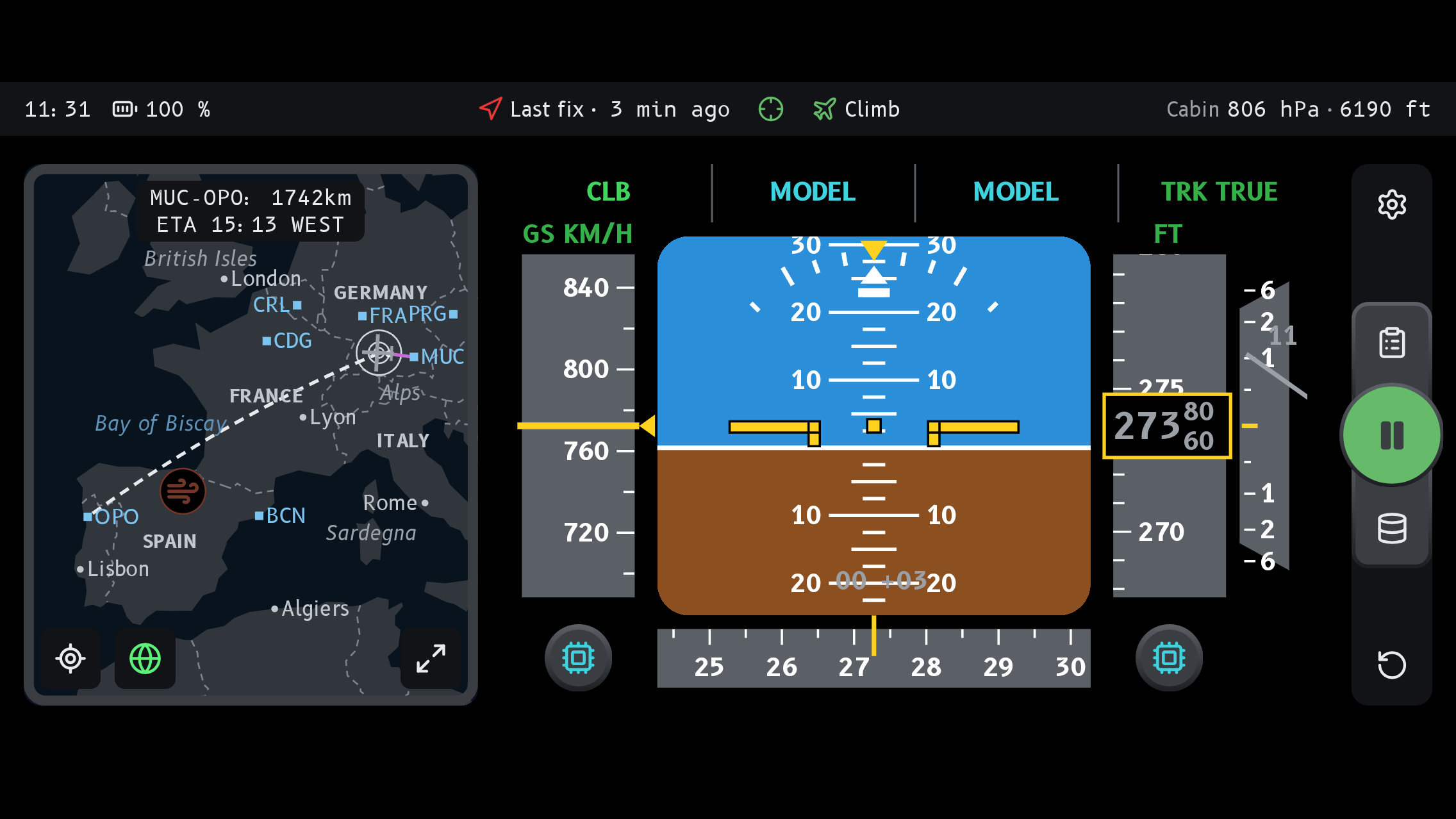
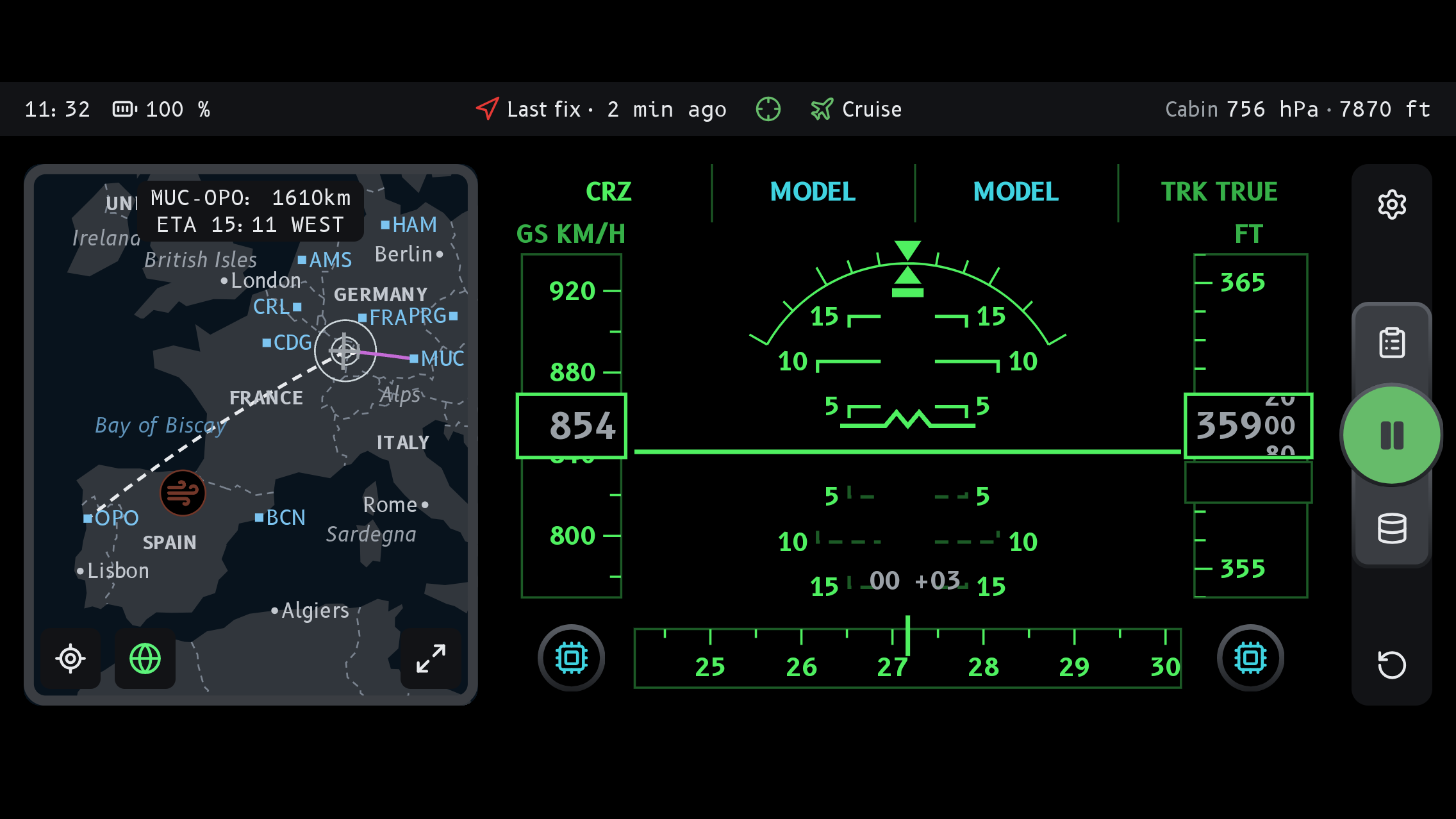
Put your phone on the tray table or hold it in your hand, and a classic six-pack panel moves with the aircraft: the climb after takeoff, every turn, the descent. Nothing is connected to the aeroplane; the phone’s own motion sensors and GPS do all of it.
Coming soon for Android and iOS
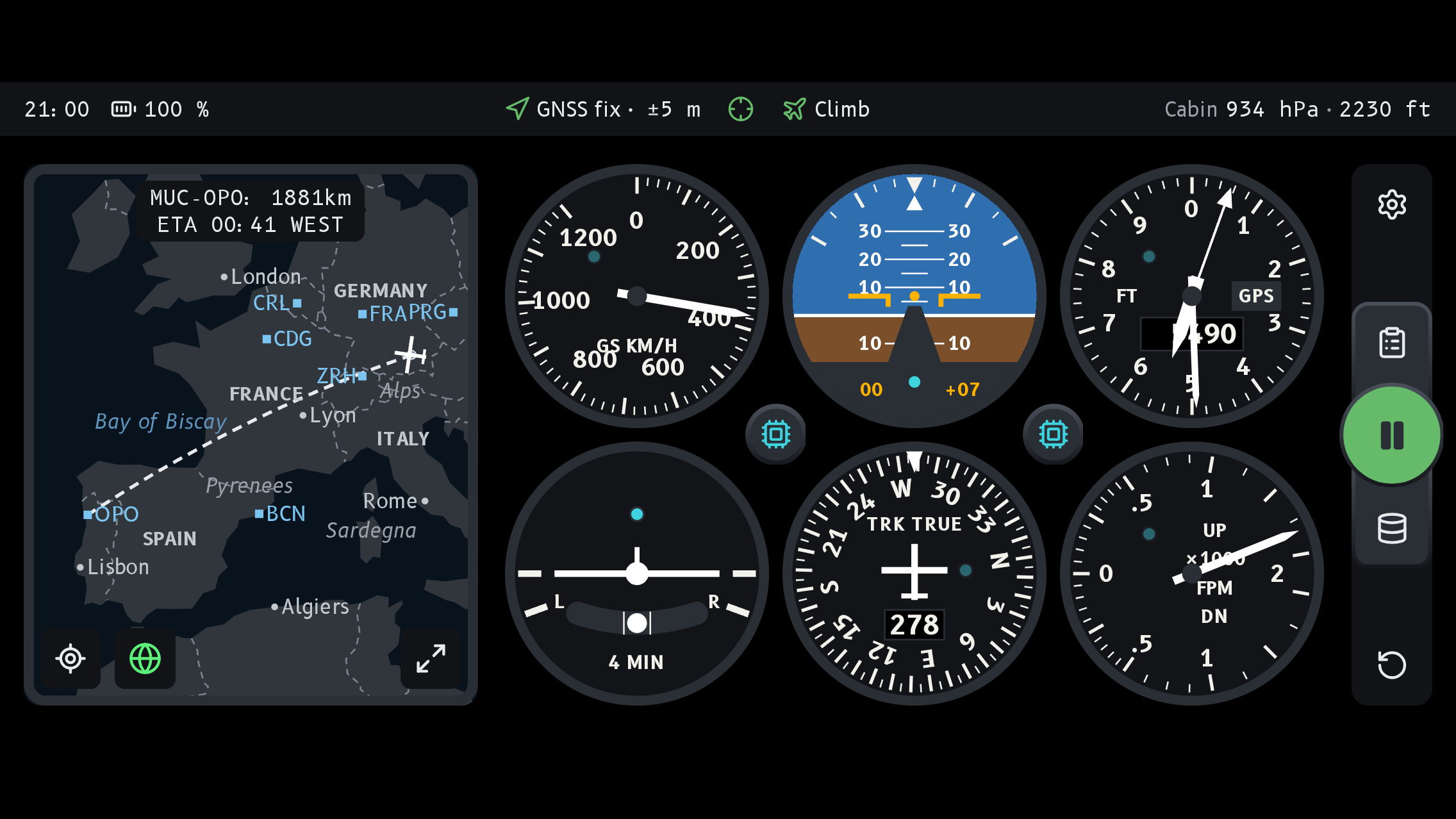
What you see
Six instruments, drawn like the real thing and labelled with what they really measure.
- ATTAttitude indicatorPitch and bank from the phone’s motion sensors, once you have levelled the phone at the gate.
- TCTurn coordinatorRate of turn with slip ball, from the same sensors.
- ALTAltimeterAltitude from GPS, not from cabin pressure.
- VSVertical speedClimb and descent from GPS.
- TRKHeading indicatorTrack over the ground from GPS, not magnetic heading.
- GSAirspeed indicatorGround speed from GPS, not airspeed.
How it works
- Level once at the gate. Lay the phone where it will stay, press LVL, and the attitude indicator knows which way is up from then on, in the climb as well as in turns.
- GPS does the rest. Altitude, vertical speed, track and ground speed come from GPS. A window seat helps the reception; airplane mode is fine, GPS keeps working without a network.
- Honest about estimates. When GPS has no fix, and on phones that lack the sensors for it, the app estimates the values and marks them clearly, so you always know what is measured and what is estimated.
Also on board
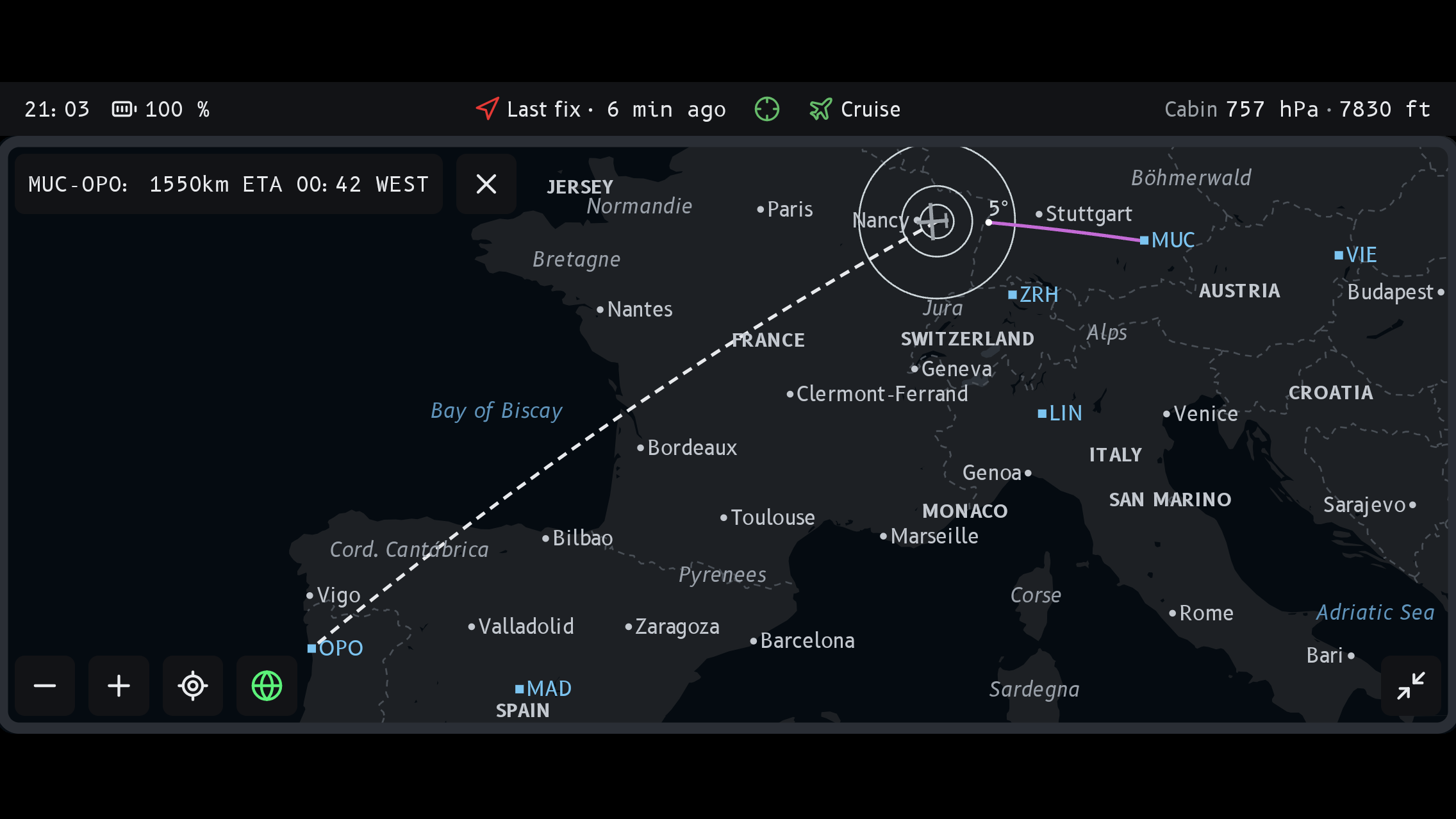
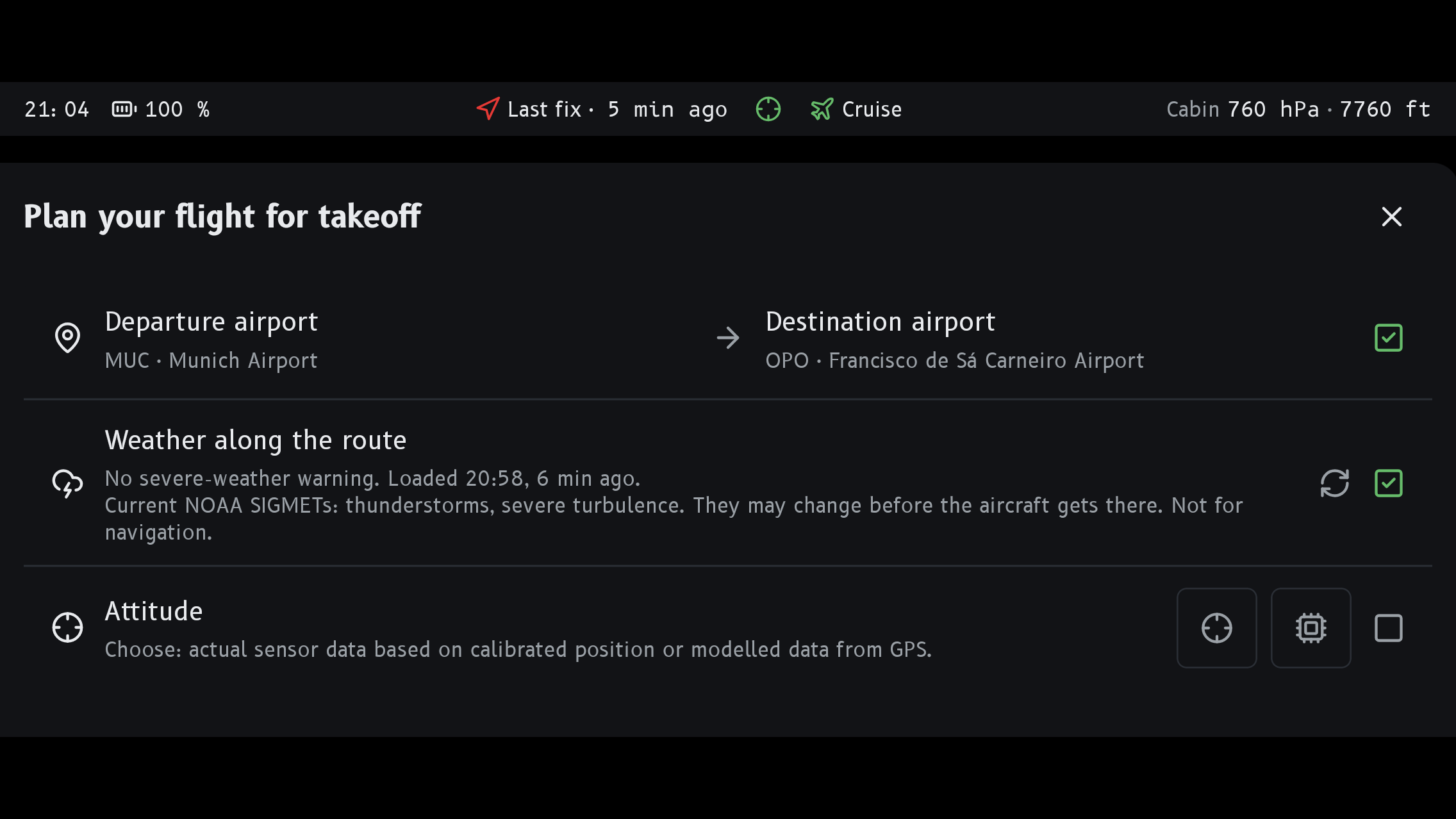
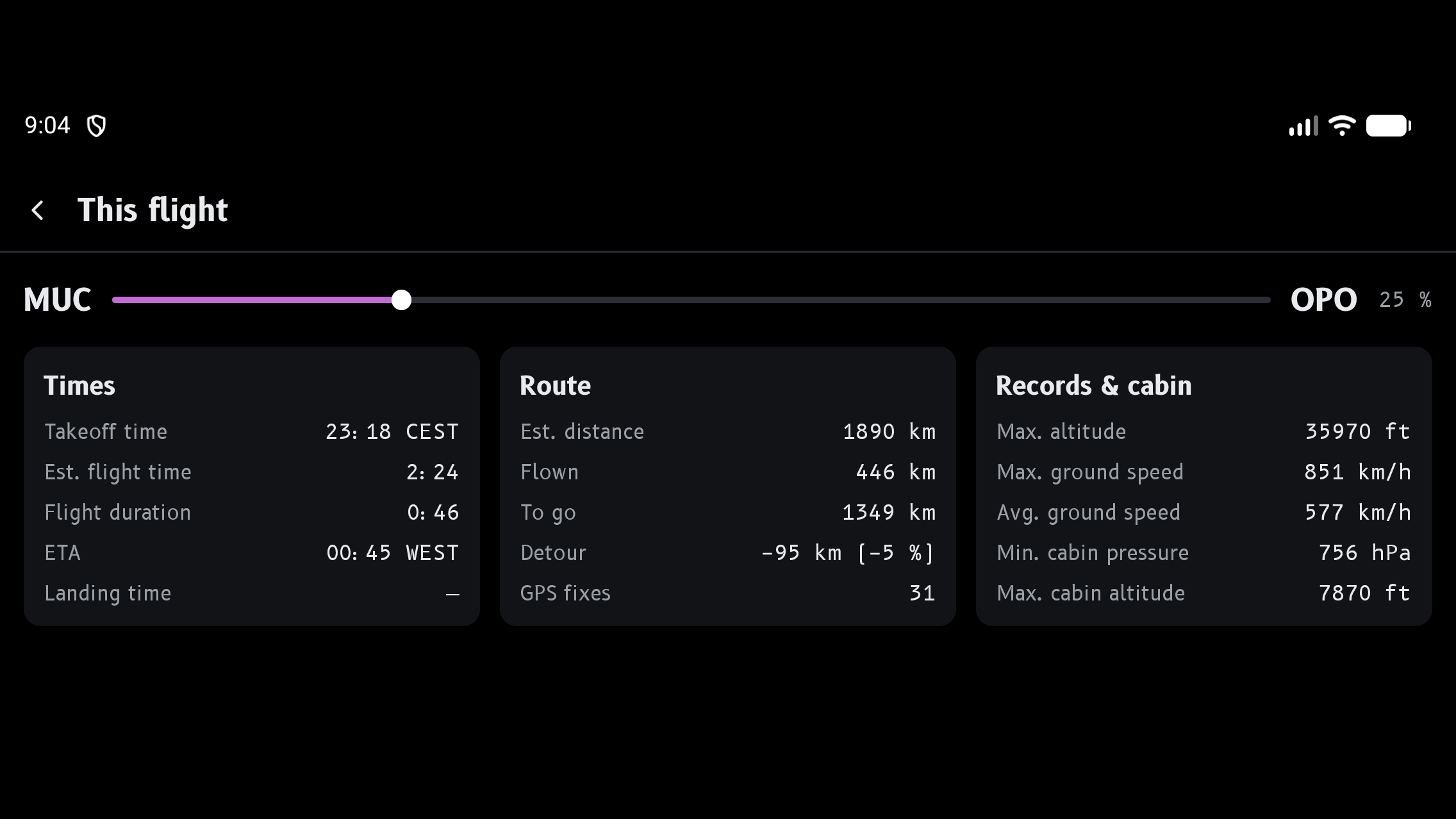
Entertainment onlyPilot’s Seat is a toy for passengers. It is not a navigation aid and not connected to the aircraft; its readings can differ from the real instruments, especially right after takeoff and in turns. Never use it for any flight decision.
Privacy
Location and motion data stay on your phone. There is no account and no advertising. The app can send anonymous crash reports to help fix errors, and you can switch them off in the app. Details: privacy policy (English and German) and support.